System requirements
Before you start
- Web browser
- Latest Chrome, Firefox, Safari, or Edge
- Internet
- Stable broadband recommended
- Device
- Desktop, laptop, or tablet preferred
- File uploads
- PDF, JPG, or PNG, 10 MB max


Application process · Family guide
A step-by-step guide to completing the SAO accurately and efficiently. Fill out one application and send it to every participating school on your list.
On this page
System requirements
Overview
The Standard Application Online (SAO) is a centralized digital platform for completing and submitting applications electronically to more than one school.
You only fill it out once, and it can be sent to all of the schools you are applying to.
Key features
Good to know
Some schools do not accept the SAO. For those schools, go to the school’s own website and complete their specific application.
Who needs an account
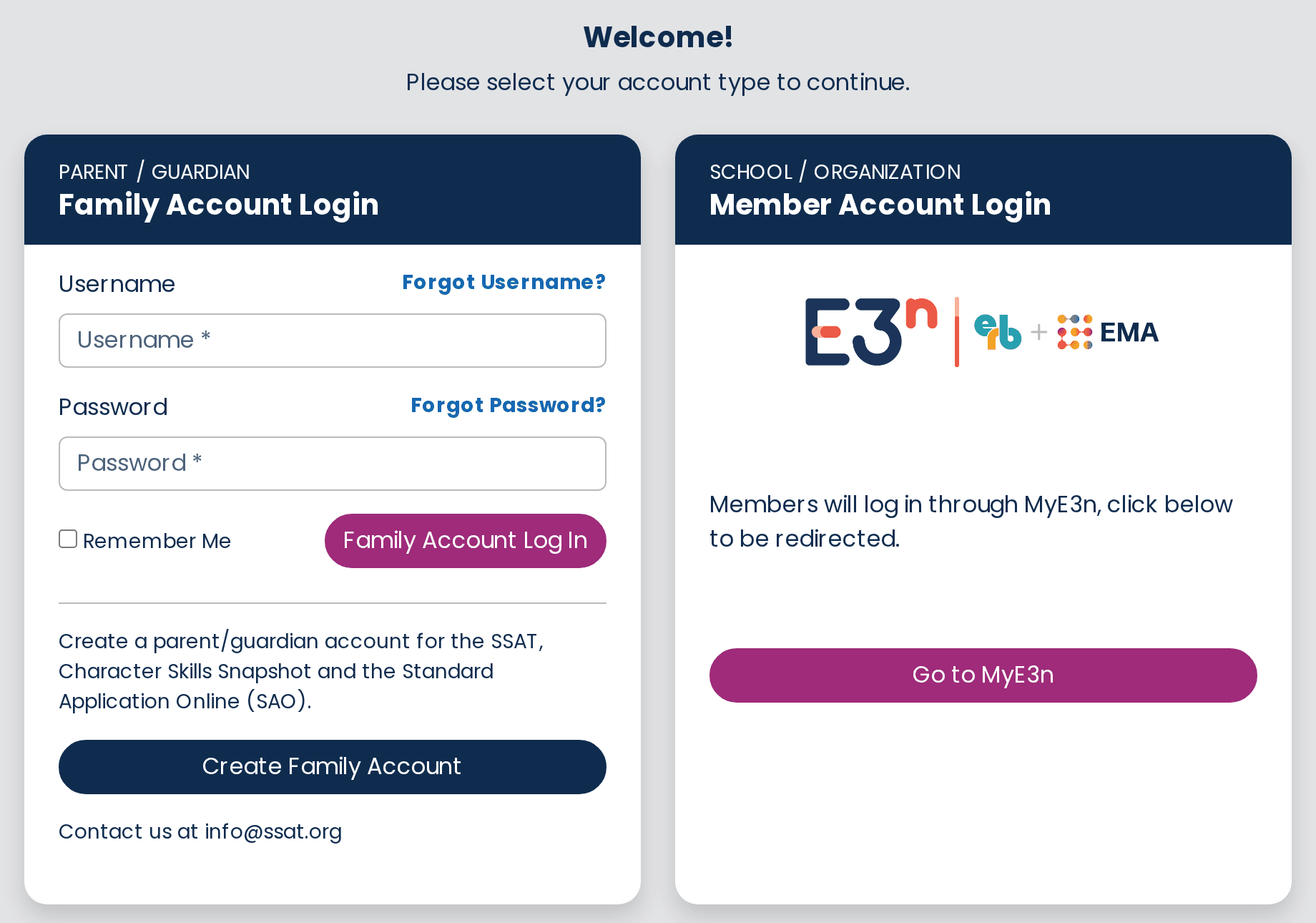
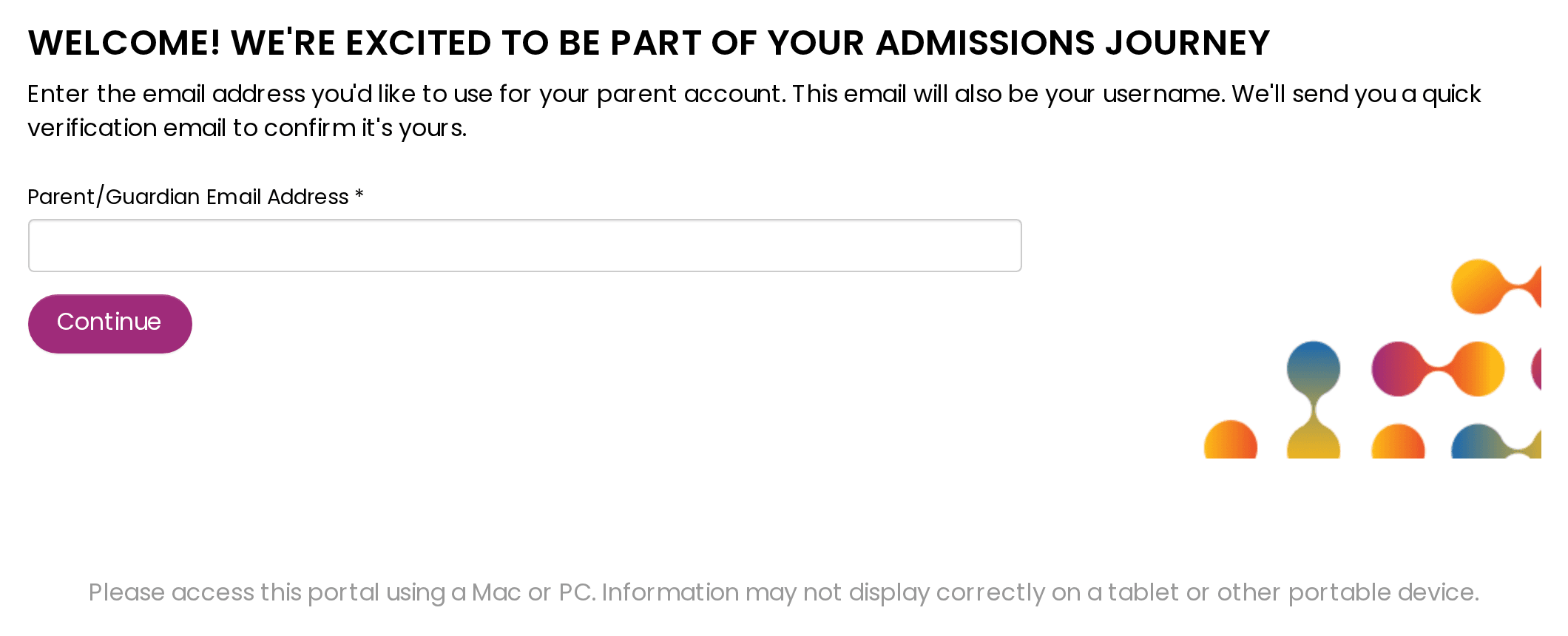
The student and a parent or guardian each create their own separate account.
Oversees the overall application and can invite other parents or guardians to participate.
Focuses on the student-specific parts of the application, such as the student essay.
Step-by-step process
Work through these in order. You can log out at any point and pick up where you left off.
Pay the fee early
Schools cannot see your progress until the fee is paid. Paying once you’ve started lets each school see where you are in completing the application.
Common issues
| Issue | Solution |
|---|---|
| Can’t log in | Reset your password or check the spelling of your email. |
| File won’t upload | Check the file format (PDF, JPG, PNG) and size (10 MB max). |
| Page won’t load | Clear your browser cache or try a different browser. |
| Missing confirmation email | Check your spam folder or wait 10 minutes. |
For other account or technical problems, see the SAO Help Center or contact SAO support.
Common questions
Yes. The SAO lets you send one application to multiple participating schools.
Yes. You can change the person you requested a recommendation from, as long as the original recommender has not yet submitted the form.

Need a hand?
Your GESP consultant can walk you through any part of the SAO.
Contact GESP